
Dressmaker runs on Apple Silicon Macs at $14.99 with an M1 minimum. How to clear the Gatekeeper block, where saves live, and why mouse sensitivity ruins sewing.
Dressmaker Mac: Buying, Clearing Gatekeeper, and the Mouse Sensitivity Problem
Dressmaker on Mac is a native-release buy, not a sideloaded port: $14.99 USD on Steam, Apple M1 minimum, 8 GB RAM, 1 GB storage. The one real obstacle is not performance, it is Gatekeeper, because the developers state plainly that the build is not notarized by Apple. The second is one nobody expects from a cozy sewing game: mouse sensitivity, which drives sewing accuracy directly.
- No Linux build exists on Steam, despite a Linux requirements block on the same store page.
- Steam Cloud and Family Sharing both work.
- No controller support at launch, which makes input latency a live topic here.
- 4,461 of 4,532 Steam reviews are positive, a 9/10 score listed as Overwhelmingly Positive.
What You Are Actually Buying On Mac
Everything below is read off the Steam listing rather than inferred from a similar game.
| Item | Mac value |
|---|---|
| Developer / Publisher | Cozy Lives / Free Lives |
| Release date | September 21, 2026 |
| Price | $14.99 USD |
| Minimum processor | Apple M1 |
| Minimum memory | 8 GB RAM |
| Minimum storage | 1 GB |
| Minimum OS version | Not stated |
| Steam Cloud / Family Sharing | Both supported |
| Controller support | None at launch |
That OS row is worth pausing on. The Mac block names a processor, memory and storage, then stops, while the Windows block specifies Windows 10 or later. You cannot pre-screen your machine against a version floor. The Linux requirements block on the same page, listing Ubuntu or Mint, is equally misleading: the platform flags resolve to Windows true, macOS true, Linux false. Requirements text without a platform behind it is leftover, not a promise.
Official source: Dressmaker on Steam carries the Mac minimums, the $14.99 price, the September 21, 2026 date, and the Steam Cloud and Mouse Only Option flags. The publisher confirms the release at freelives.net.
The full game is Steam-only and there is no Mac App Store edition, so the Steam client is a hard dependency. The free itch.io build is a name-your-own-price prototype rather than the retail product: version 0.5.5, roughly 128 MB for the macOS zip, with unfinished seams.
The Gatekeeper Block, And How To Clear It
The most-reported Mac problem, documented by the developers themselves.
The itch.io page carries a Mac issues section saying the game is not notarized, that it has not been verified by Apple, and that the team did not have a developer account at the time. The consequence, in their words, is that Macs may give a warning that the game might be malicious. A player hit exactly this, writing that it would not let them play on their MacBook because Apple could not verify it and mentioned a malware virus.
The fix, published by the developers:
- Open System Settings.
- Click Privacy and Security, scroll down, and click Open Anyway to confirm your intent to open or install the app.
- The warning reappears. If you are sure, click Open.
The Open Anyway path is safe here specifically because the file came from your own Steam library or the official itch.io page, and the developer has publicly explained the missing notarization. Apple documents the override, including the fact that the button disappears once you have responded, on its macOS user guide page for apps downloaded from the internet.
The Mac issues text and the three steps are quoted from the developer's itch.io page for this game, the most direct source available for why a paying Mac user sees a malware warning.
A milder second report exists: one prototype commenter was told the game needed an older version of macOS. Since the Steam Mac block lists no OS version at all, the store page cannot tell you whether you are below the floor. The Steam client enforces its own OS gate before the app launches.
Apple Silicon, Intel, And Rosetta
On any Apple Silicon Mac you will not be prompted to install Rosetta for this game. The evidence is the minimum processor line: the Mac block lists Apple M1 and no Intel alternative, which is the shape a build takes when it ships as Apple Silicon native or universal. A Rosetta-dependent title would have to list an Intel CPU as its floor, because Rosetta is what lets an Intel-only binary run on Silicon.
I could not confirm the binary architecture directly. Depot-level inspection sits behind a login wall and the third-party depot trackers blocked automated access, so treat the M1 listing as strong evidence rather than verified inspection. Check it yourself in a minute: open the app, then look at Activity Monitor, where the Kind column reads Apple or Intel. Apple means native code.
The M1 floor is a genuine ceiling too, since Intel Macs are unsupported entirely, which is unusual for a cozy indie. Apple notes that Rosetta remains available on Apple silicon Macs through macOS 27, with a future macOS release set to end it.
Mouse Sensitivity Is The Real Mac Problem
This is the finding no general platform page carries, because it is a control-scheme problem rather than a compatibility problem.
Steam classifies Dressmaker under Mouse Only Option. There is no controller at launch, and full controller support is on the announced roadmap rather than shipped, alongside an online challenge mode, transparent fabrics, and mobile and Switch ports. Every input is a mouse and a keyboard, which turns mouse feel into a quality problem: the sewing machine is a continuous accuracy test, so pointer travel maps straight onto seam drift.
One recent Steam review says it plainly: Mouse sensitivity is a little high so sewing can be tricky for some pieces, but there may be a setting I haven't found yet. The player is right that no sensitivity slider appears to be exposed, which is why the fix is external.
| Symptom | Cause | Change |
|---|---|---|
| Seam drifts off the dotted line | Travel too high for the fabric drag | Turn mouse DPI down |
| Trims refuse to sit where placed | Same overshoot, felt finer | Lower DPI, slow the drag |
| Wrist discomfort in long sessions | Sustained fine motor control | Sewing Assist, rebind to keyboard |
| Machine outruns your steering | Default machine speed | Set speed to the slowest option |
Two independent reports corroborate the DPI theory. One attributes finicky trim placement to running a 3200 DPI mouse. Another, on a trackpad, says the machine struggles to read the pad and goes too far or too short. The developers weighed in themselves, saying sewing is a bit tricky on a trackpad and that you can try changing the speed of the sewing machine. That speed setting is the one confirmed in-game knob.
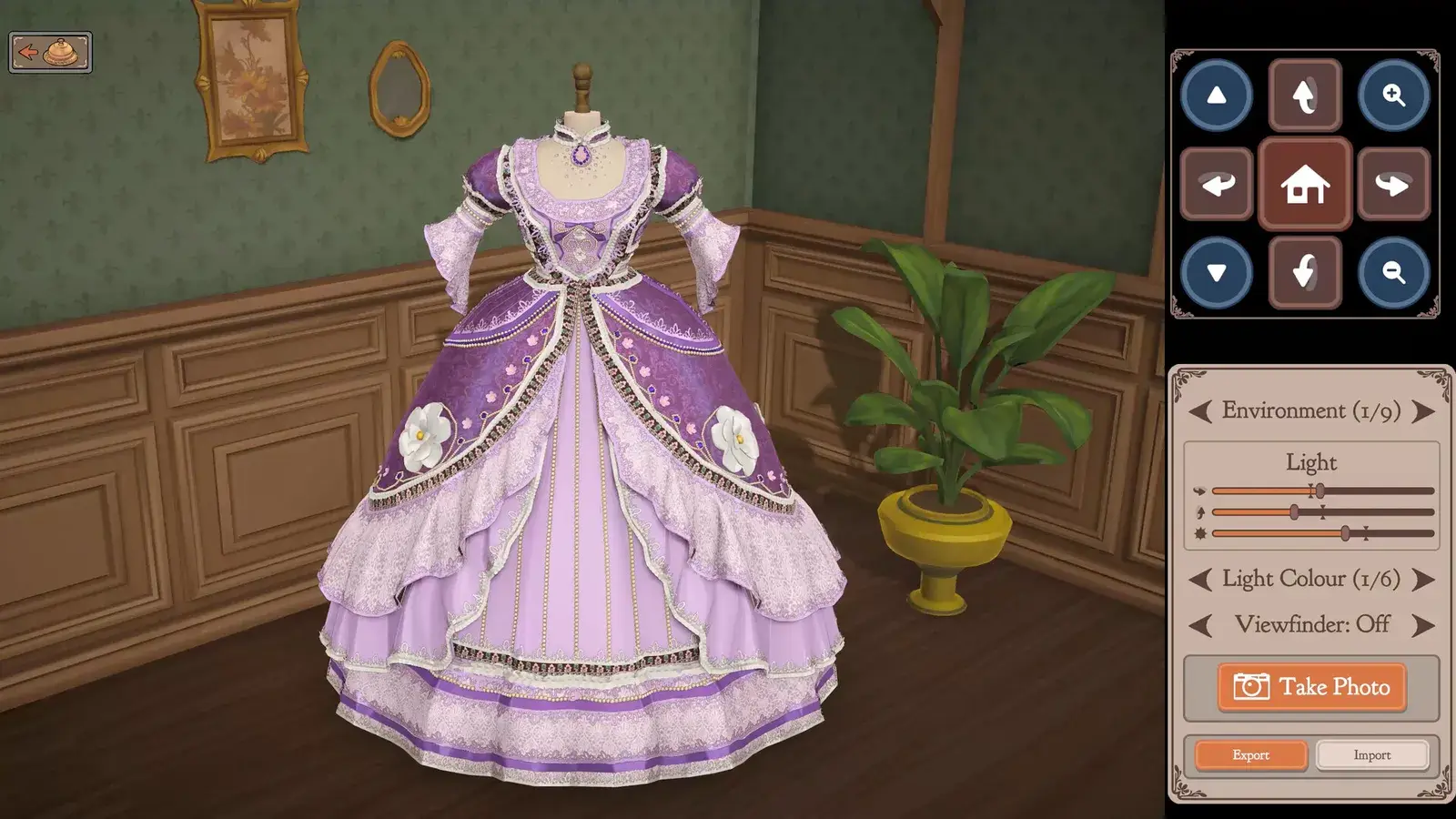
Turn mouse DPI down one notch, open options and enable Sewing Assist, then set the sewing machine to its slowest speed. Cozy Lives added Sewing Assist to the full game's options menu as a Space-to-turn assist. To see what that does to your score, the quality guide breaks down the requirement targets and the score panel.
Touchpads are workable, not equal. Players describe playing with no mouse and finding it still very playable, while noting a mouse would likely be much easier. The honest ranking is external mouse first, trackpad second.
Saves And Steam Cloud On macOS
Steam Cloud is supported, so progress follows your account rather than the machine. The local cloud copies live at ~/Library/Application Support/Steam/userdata. Inside sit folders named for the Steam accounts logged into the machine, and inside each, games by app ID. For this title the ID is 4019220. That layout is Valve's documented one and applies to every Steam game.
It matters twice. If cloud sync hits a conflict, copy the 4019220 folder out before touching anything. And if you are moving a save from Mac to PC, the roots differ, because the Windows userdata folder sits under the Steam install directory. A Reddit thread titled transferring saves from Mac to Windows is exactly this problem, and it comes up because players assume the two systems share a path when they do not.
One positive review opens by saying they miss save slots, because they did something they did not like and could not reload to a dress or two earlier, and later lost a client's measurements and had to restart the run. Leave Steam Cloud enabled rather than toggling it off to save disk.
The local save folder, separate from the cloud mirror, is not documented by the store page. macOS titles in this family write under ~/Library/Application Support/, so search there. Treat the exact subfolder name as a community observation.
Performance And Known Rough Edges
The picture from actual players is good. One Mac player wrote that the game ran fairly smoothly, choppy at first and smoother once the controls made sense; another simply posted that it works great on Mac. The only heat note comes from a laptop owner who said it is better played with mouse and keyboard separate, but ran fine except for the fan turning on a lot. This is a Unity title that will spin a fan on a thin machine.
One player reports the FPS limiter is not working, with the game taking up to 75 percent of GPU, and there is no in-game frame cap to change. Crash complaints in the review corpus mention Unity and refunds but are not attributed to a platform, so treat them as a general early-launch issue rather than a Mac one.
Both post-launch builds fixed input bugs rather than performance bugs. Build 403 repaired a mouse cursor that went invisible in the cutting room tutorial and never returned. Build 410 stopped the mouse wheel spinning pattern panels when the pointer hovered the inventory, and fixed a tutorial softlock from opening the sketchbook before the bell. If your Mac problem is the wheel, the cursor or the buttons, an update probably fixed it already. The rest of the Steam details are in the Steam guide.
FAQ
Apple cannot verify this app is free of malware and I did pay for it. What do I do? Gatekeeper reacting to an un-notarized build. Open System Settings, go to Privacy and Security, scroll down, click Open Anyway. The warning reappears, and if you are certain of the source, click Open. Do it only for the build from your own Steam library or the official itch.io page.
Is there a controller version? I would rather not use a mouse for this. Not at launch. The store page lists Mouse Only Option with no controller category. Full controller support was announced alongside the release, with an online challenge mode, transparent fabrics, and mobile and Switch ports, so it is planned rather than cancelled.
Can I play on Linux through Steam? The store page seems to mention Ubuntu. You cannot. The page carrying that Linux requirements block sets its Linux platform flag to false, so there is no Linux build to download. Linux only ever existed in the free prototype on itch.io.
Is it native on Apple Silicon or running through Rosetta? Almost certainly native or universal, and you should not be prompted to install Rosetta. I could not verify the binary directly, so check Activity Monitor, where the Kind column reads Apple or Intel.
I keep missing the seam and my quality score drops. Is it my sewing or the mouse? Probably the mouse, since pointer travel maps straight onto seam drift. Turn DPI down one notch, enable Sewing Assist, and set the machine to its slowest speed. A player on a 3200 DPI mouse attributes trim placement problems to exactly that.
How do I move my save from Mac to Windows?
Use Steam Cloud rather than copying files. The roots differ, because the Windows userdata folder sits under the Steam install directory while macOS keeps it at ~/Library/Application Support/Steam/userdata. Log in on the second machine and let Steam Cloud pull the save down.
Related Guides
- Dressmaker Steam Guide - price, the full Build 403 and 410 patch contents, and the announced roadmap.
- Dressmaker Quality Guide - how requirement targets and the actual-over-target panel turn into a finished grade.
- Dressmaker Tutorial - the vocabulary for grain, pattern pieces, Seam Rip and the mannequin.
- Dressmaker Characters Guide - the customers whose commissions drive the story.
- Dressmaker Home - what the game is and how the shop loop runs.